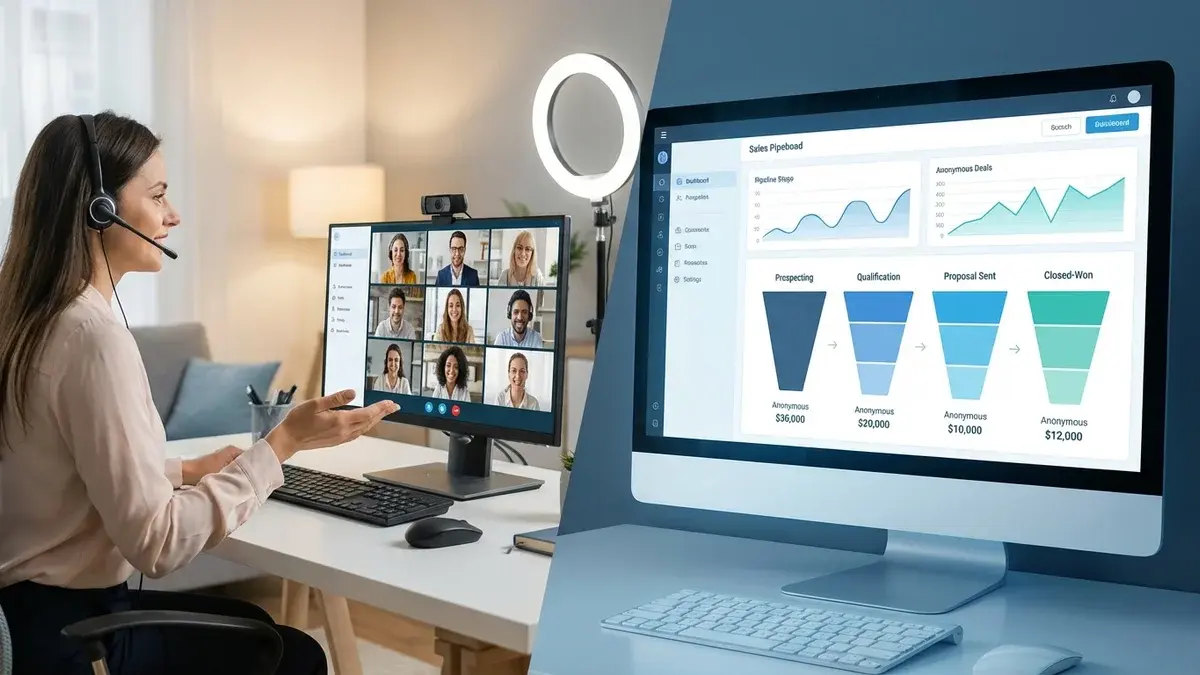
How to Close More Deals on Video Sales Calls: 15 Proven Strategies
Video has become the default for B2B sales conversations. Research shows that deals are 127% more likely to close when video is used during the sales process, and 63% of sales leaders believe virtual meetings are equally or more effective than in-person meetings.
But simply hopping on a Zoom call doesn't guarantee success. The reps closing the most deals on video have mastered specific techniques that work uniquely well in virtual environments.
Here are 15 strategies to help you close more deals on your next video sales call—whether you're on Zoom, Microsoft Teams, or Google Meet.
Pre-Call Preparation
1. Research Like Your Deal Depends on It (Because It Does)
The best video sales reps spend 10-15 minutes researching before every call. This isn't just checking LinkedIn—it's understanding:
- Recent company news - Funding rounds, product launches, leadership changes
- Individual's background - Previous companies, shared connections, recent posts
- Potential pain points - Industry challenges, competitor mentions, growth indicators
- Communication style - How do they write on LinkedIn? Formal or casual?
This preparation pays off in personalized conversation starters and relevant questions. Tools like Appendment can automate this research, delivering 50+ data points about every prospect before you join the call.
2. Test Your Tech (Every. Single. Time.)
Technical issues kill credibility. Before important calls:
- Test your camera, microphone, and speakers
- Check your internet connection speed
- Close bandwidth-heavy applications
- Have a backup plan (phone number, alternate platform)
- Know how to quickly share your screen
The 2 minutes you spend testing can save a deal from a "Sorry, can you hear me now?" disaster.
3. Set Up Your Environment for Success
Your background and lighting shape how prospects perceive you:
- Lighting - Face a window or use a ring light. Avoid overhead lighting that creates shadows.
- Background - Clean, professional, and not distracting. Virtual backgrounds are fine if they don't glitch.
- Camera angle - Eye level, not looking down or up at you.
- Distance - Your head and shoulders should fill most of the frame.
Building Rapport on Video
4. Start Strong in the First 30 Seconds
The beginning of a video call sets the tone. Instead of jumping straight to your agenda:
- Smile genuinely when the call connects
- Use their name immediately
- Reference something personal from your research
- Acknowledge something relevant happening in their world
Example: "Sarah, great to connect! I saw you just celebrated 5 years at Acme—congratulations. How's the growth been?"
5. Maintain "Eye Contact" Through the Camera
On video, looking at the prospect's face on screen makes it appear you're looking down. For eye contact, look at your camera lens when speaking.
This takes practice. Try:
- Positioning your video call window near your camera
- Looking at the camera for key points, the screen for listening
- Using a laptop stand to bring the camera closer to eye level
6. Use Names and Active Listening Cues
Without physical presence, you need to work harder to show engagement:
- Use their name 3-5 times throughout the call
- Nod visibly when they're speaking
- Give verbal acknowledgments ("That makes sense," "I hear you")
- Summarize what they said before responding
Discovery and Qualification
7. Lead with Your Biggest Value Hook
Don't save the best for last. On video calls, attention spans are shorter. Open with your most compelling point:
Instead of: "Let me tell you about our company history..."
Try: "Based on what I know about [Company], I think we could help you [specific outcome]. Let me share how—but first, I want to make sure I understand your situation. Can you tell me about..."
8. Ask Fewer, Better Questions
Discovery on video should be more focused than in-person. Prepare 3-5 high-impact questions:
- Situation: "Walk me through how you currently handle [process]."
- Problem: "What's the biggest challenge you're facing with [area]?"
- Impact: "When that happens, how does it affect [relevant metric]?"
- Timeline: "What's driving the need to solve this now?"
- Decision: "Who else would need to be involved in evaluating solutions?"
Real-time coaching tools like Appendment can prompt you with relevant questions based on where the conversation is heading. Learn more in our guide to real-time AI coaching.
9. Monitor Your Talk-to-Listen Ratio
The best sales conversations follow a 40/60 or 30/70 talk-to-listen ratio. You should be talking less than half the time.
On video, it's easy to lose track. Tools like Gong and Appendment track this in real-time and alert you if you're talking too much.
Presentation and Demo
10. Show, Don't Tell—But Keep It Interactive
Screen sharing is your superpower on video calls. Use it strategically:
- Show the product, not just slides
- Customize demos with the prospect's logo/data when possible
- Pause screen sharing for discussions—seeing your face builds trust
- Keep demos under 15 minutes; use the rest for conversation
11. Create Checkpoints for Engagement
On video, it's easy for prospects to zone out. Build in engagement checkpoints:
- Every 3-5 minutes, ask a question: "Does this align with what you're looking for?"
- Use their company/situation in examples: "So for Acme, this would mean..."
- Watch for visual cues—leaning in, nodding, or looking away
- Ask for reactions: "What's your initial reaction to this approach?"
Handling Objections
12. Embrace Objections as Buying Signals
Objections on video calls are good—they mean the prospect is engaged. When you hear one:
- Acknowledge: "That's a fair concern. I appreciate you raising it."
- Clarify: "Can you tell me more about what's driving that concern?"
- Respond: Address the specific issue, not a generic talking point
- Confirm: "Does that address your concern, or is there more to unpack?"
Real-time coaching tools can surface objection responses the moment you need them. See how in our AI coaching guide.
13. Use the "Feel, Felt, Found" Framework
This classic framework works especially well on video:
- Feel: "I understand how you feel about [concern]."
- Felt: "Other [similar role/company] initially felt the same way."
- Found: "What they found was [positive outcome/resolution]."
Closing the Deal
14. End Every Call with Clear Next Steps
Never end a video call without concrete next steps. Before hanging up:
- Summarize what was discussed
- Confirm the agreed-upon next step
- Schedule it on the call (don't rely on "I'll send some times")
- Clarify who else needs to be involved
- Set expectations for what happens between now and then
Example: "Great conversation, Sarah. To recap—you're interested in exploring how we could help reduce your lead response time from 4 hours to under 5 minutes. Next step is a technical review with your team. I'm looking at next Thursday at 2pm—does that work? Who should I include on the invite?"
15. Follow Up Within 5 Minutes
Strike while the conversation is fresh. Within 5 minutes of ending the call:
- Send a brief email thanking them
- Include the summary of next steps
- Attach any promised materials
- Include a link to the recording (if appropriate)
Tools like Appendment can auto-generate these follow-ups based on the conversation, saving you time while ensuring nothing falls through.
Tools That Help You Close More Deals
The right tools can dramatically improve your video sales performance:
| Function | Recommended Tool | Why It Helps |
|---|---|---|
| Real-time coaching | Appendment | Live objection handling, talk track guidance |
| Scheduling | Calendly | Eliminate back-and-forth, auto-add video links |
| CRM | HubSpot/Salesforce | Pre-call context, post-call logging |
| Conversation analysis | Gong | Review calls, identify patterns, coach team |
| Proposals | PandaDoc | Send proposals during calls, track views |
For platform-specific recommendations, check our guides on Zoom integrations, Teams apps, and Google Workspace setup.
The Bottom Line
Video sales calls aren't going away. The reps who master virtual selling will outperform those who treat video as a necessary evil.
The key principles:
- Prepare thoroughly - Research, tech check, environment
- Build rapport intentionally - It doesn't happen automatically on video
- Keep it interactive - Engagement checkpoints, questions, reactions
- Use tools that help - Real-time coaching gives you an unfair advantage
- Always secure next steps - On the call, not after
Ready to close more deals on video calls?
Appendment provides real-time AI coaching on Zoom, Teams, and Meet—giving you live objection handling, prospect intelligence, and talk track guidance during every call. Book a demo to see how teams are closing 40% more deals.