Best Microsoft Teams Apps for Sales Teams: Complete 2026 Guide
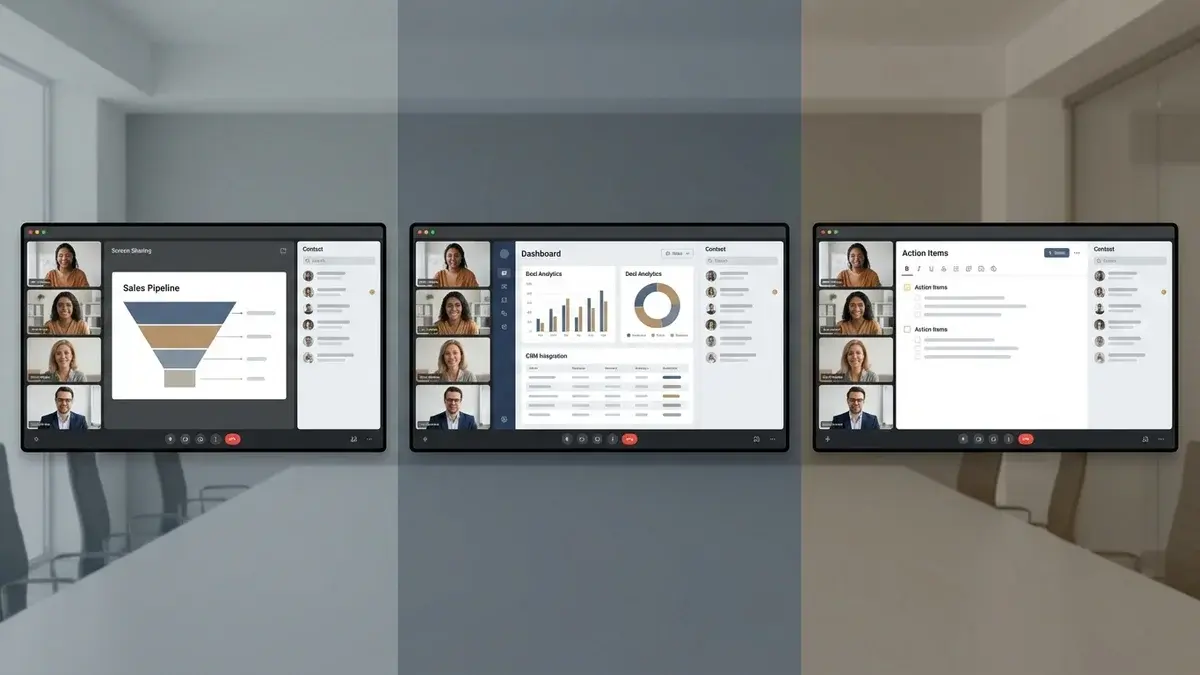
Microsoft Teams has evolved from an internal collaboration tool to a full-fledged sales communication platform. With over 320 million monthly active users, Teams is now where many B2B sales conversations happen—from discovery calls to demos to deal reviews.
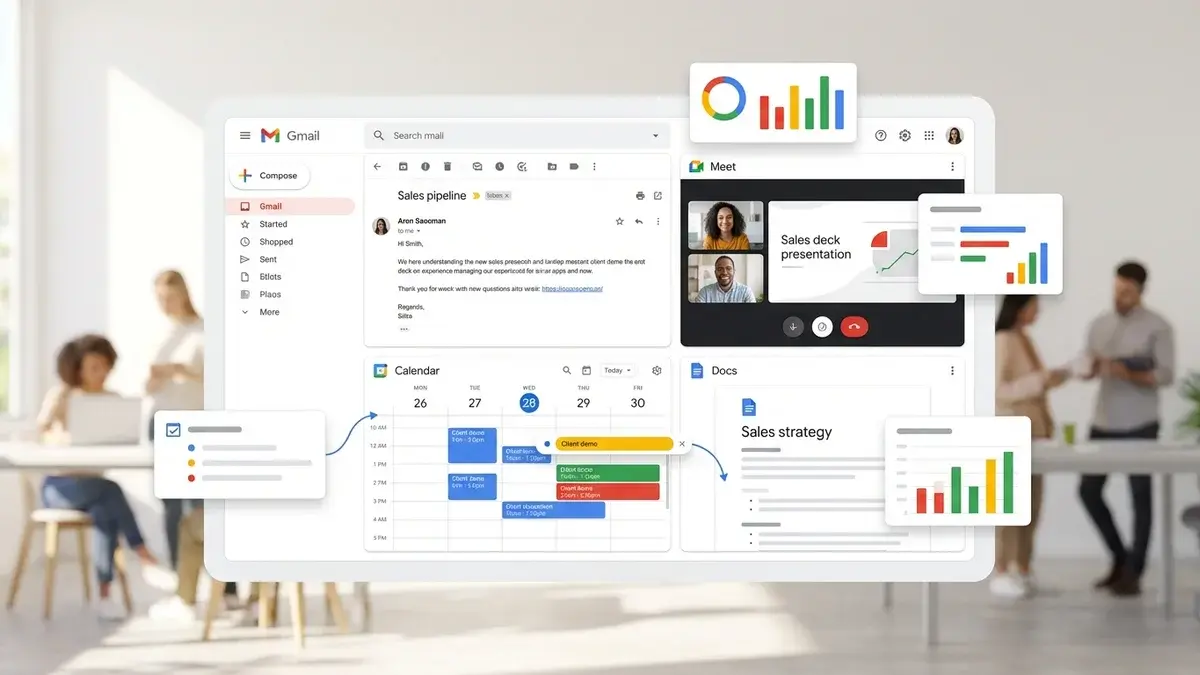
But Teams alone is just a meeting platform. The apps and integrations you add determine whether it becomes a revenue-generating system or just another place to hop on calls.
The Microsoft Teams app marketplace now offers over 1,400 integrations, with many specifically designed for sales teams. We've tested the most popular options and ranked them by actual impact on sales performance. (Not sure if Teams is right for you? See our Zoom vs Teams vs Google Meet comparison.)
Here are the 15 best Microsoft Teams apps for sales teams in 2026.
Why Teams Apps Matter for Sales Success
Before diving into specific tools, understand what the right apps can do for your sales team:
- Eliminate app-switching - Access CRM data, coaching tools, and analytics without leaving Teams
- Automate data entry - Calls, notes, and activities sync automatically to your CRM
- Get real-time guidance - AI can provide coaching during calls, not just after
- Improve forecast accuracy - Activity data feeds into pipeline intelligence
- Scale best practices - Share winning call techniques across the team
Research shows that integrated CRM systems boost sales productivity by 44% and improve forecast accuracy by 42%. Apps that connect Teams to your sales stack drive these improvements.
Top 15 Microsoft Teams Apps for Sales
1. Appendment (Real-Time AI Coaching)
Most sales tools analyze calls after they're over. Appendment provides real-time coaching while you're actually talking to prospects—making it uniquely valuable for Teams-based sales teams.
Appendment integrates directly with Microsoft Teams to deliver:
- Live coaching prompts - Objection responses, competitive battlecards, and talk track guidance during calls
- 50+ prospect data points - Psychographics, communication preferences, and buying triggers visible while you talk
- Automatic CRM sync - Call notes and action items flow to Salesforce, HubSpot, or Dynamics
- Personality-based selling cues - Adjust your approach based on the prospect's communication style in real-time
Teams using Appendment report 40-50% higher close rates compared to using Teams alone. Learn more in our complete guide to real-time AI coaching.
Best for: Sales teams who want to win more deals through live guidance during conversations.
2. Dynamics 365 Sales (Native CRM)
If you're a Microsoft shop, the Dynamics 365 integration with Teams is unmatched. You can make and receive calls directly from Dynamics, with automatic logging to the relevant records. Meeting data, notes, and action items sync seamlessly.
Key features include embedded Teams calling within Dynamics, automatic call recording to deal timelines, co-presence indicators showing who's available, and conversation intelligence through Dynamics Sales Insights.
Best for: Organizations already using or planning to use Dynamics 365 CRM.
3. Salesforce for Teams
The official Salesforce integration brings CRM context directly into Teams. You can view and share Salesforce records in channels and chats, receive notifications about record updates, and collaborate on opportunities without switching between apps.
The integration is bi-directional—changes made in Teams conversations can update Salesforce records, and vice versa.
Best for: Enterprise teams using Salesforce who've standardized on Teams for communication.
4. Microsoft Copilot (AI Assistant)
Copilot is Microsoft's AI assistant, now deeply integrated into Teams. For sales teams, it can summarize meetings, generate follow-up emails, answer questions about past conversations, and surface insights from meeting transcripts.
Copilot shines at reducing post-call administrative work. Ask it to "summarize the key objections from today's demo" or "draft a follow-up email based on what we discussed," and it delivers relevant content in seconds.
Best for: Teams wanting AI-powered productivity across their entire Microsoft 365 suite. Note: Requires additional licensing.
5. HubSpot for Teams
HubSpot's Teams integration lets you access CRM records, log calls, and manage deals without leaving your Teams workspace. You can search for contacts and companies directly in Teams chats, share record information with colleagues, and receive deal notifications in channels.
The integration also supports Teams meeting scheduling from HubSpot, with automatic syncing of meeting outcomes.
Best for: SMB and mid-market teams using HubSpot who communicate primarily through Teams.
6. Gong (Conversation Intelligence)
Gong integrates with Microsoft Teams to record, transcribe, and analyze every sales conversation. It identifies winning behaviors, tracks competitor mentions, and surfaces coaching opportunities across your entire team's calls.
For sales managers, Gong provides a searchable library of every Teams call, with AI-highlighted moments that matter most—objections handled, pricing discussed, next steps committed.
Best for: Larger sales teams focused on systematic coaching and deal intelligence. Provides post-call analysis, not real-time coaching.
7. Power Automate (Workflow Automation)
Power Automate is Microsoft's native workflow tool, and it's incredibly powerful for sales automation. Create custom flows that trigger when Teams meetings end, new channels are created, or messages are posted.
Example sales workflows: automatically create follow-up tasks after Teams calls, post deal updates to Slack or Teams channels, sync meeting attendees to email lists, or trigger document generation after deal stages change.
Best for: Teams with technical resources who want custom automation without code.
8. Calendly (Scheduling)
Calendly's Teams integration automatically adds Microsoft Teams meeting links to scheduled appointments. No more "here's my Teams link" emails—every booked meeting is Teams-ready from the start.
You can share Calendly booking pages directly in Teams chats, embed scheduling in Teams channels, and sync all meetings to your Outlook calendar.
Best for: Any sales team that books meetings with external prospects.
9. Outreach (Sales Engagement)
Outreach's Teams integration connects your sales sequences with Teams communication. Log Teams calls to Outreach, trigger sequence steps based on meeting outcomes, and keep all prospect touchpoints coordinated.
The integration is particularly useful for SDR teams running multi-channel outbound, where Teams calls are one touchpoint in a broader cadence.
Best for: High-volume outbound teams using Outreach for sequencing.
10. Chorus by ZoomInfo
Chorus combines conversation intelligence with ZoomInfo's B2B data. The Teams integration records and analyzes calls while enriching contact records with firmographic and technographic information.
This means you get both call insights and deeper prospect intelligence in one platform.
Best for: Teams using ZoomInfo for prospecting who want integrated conversation analytics.
11. PandaDoc (Proposals & Contracts)
PandaDoc's Teams app lets you create, send, and track proposals directly from Microsoft Teams. Search your document library, share tracking links in chats, and get notified when prospects view or sign documents.
This keeps the entire deal flow—from call to proposal to signature—within your Teams workspace.
Best for: Teams who send proposals and want to shorten the quote-to-close cycle.
12. Planner and To Do (Task Management)
Microsoft's native task management tools integrate seamlessly with Teams. Create follow-up tasks directly from meeting chats, assign action items to team members, and track task completion across deals.
For sales teams, this is useful for managing next steps after calls without needing a separate project management tool.
Best for: Teams wanting simple task management within the Microsoft ecosystem.
13. Pipedrive for Teams
Pipedrive's Teams integration brings visual pipeline management into your communication hub. View deals, add activities, and update stages without leaving Teams. Meeting data syncs automatically to deal records.
Best for: SMB sales teams using Pipedrive who've standardized on Teams.
14. CloudTalk (Phone Integration)
CloudTalk integrates with Teams to provide sales-focused phone capabilities. Click-to-dial from any Teams conversation, automatic call logging, call recording, and analytics—all embedded in your Teams workspace.
This is particularly useful for inside sales teams who make significant phone volume alongside video calls.
Best for: Inside sales teams with high call volume who want phone and video in one platform.
15. Fathom (Free Meeting Notes)
Fathom works with Teams to automatically record, transcribe, and summarize meetings. It highlights key moments, generates action items, and can sync summaries to your CRM. The free tier is generous enough for most small teams.
Best for: Budget-conscious teams who need meeting transcription and basic AI summaries.
How to Build Your Teams Sales Stack
With so many options, here's a recommended approach for building an effective Teams-based sales environment:
Essential Stack (Start Here)
- CRM integration - Connect Salesforce, HubSpot, Dynamics, or Pipedrive
- Scheduling - Add Calendly to eliminate meeting coordination friction
- Meeting notes - Use Fathom or Copilot for automatic transcription
Performance Stack (Improve Win Rates)
- Real-time coaching - Add Appendment for live guidance during calls
- Conversation intelligence - Add Gong or Chorus for post-call analysis
- Proposal management - Add PandaDoc to streamline quote-to-close
Enterprise Stack (Scale Operations)
- Custom automation - Use Power Automate for workflow automation
- Sales engagement - Add Outreach or Salesloft for multi-channel sequencing
- Revenue intelligence - Add Clari for pipeline visibility and forecasting
Teams App Selection Guide
| Problem | Best App | Expected Impact |
|---|---|---|
| Low close rates | Appendment | 40-50% improvement |
| Missing CRM data | Your CRM's Teams app | 95%+ data capture |
| Inconsistent conversations | Gong or Chorus | Identify winning patterns |
| Scheduling friction | Calendly | Save 5+ hours/week |
| Slow proposals | PandaDoc | 50% faster close |
| Post-call admin | Copilot or Fathom | 80% less note-taking |
Microsoft-Native vs. Third-Party Apps
One key decision: should you stick with Microsoft-native apps or integrate third-party tools?
Go Microsoft-Native If:
- You use Dynamics 365 as your CRM
- IT prefers a single-vendor approach for security/compliance
- Budget is constrained (Copilot, Planner, To Do are included)
- You value the deepest possible integration
Add Third-Party Apps If:
- You use Salesforce, HubSpot, or Pipedrive
- You need specialized sales features (real-time coaching, conversation intelligence)
- You want best-in-class tools for specific functions
- Your team uses tools across the organization
Most sales teams end up with a mix: Microsoft-native tools for general productivity (Copilot, Planner) and third-party apps for specialized sales functions (Appendment for coaching, Gong for analytics).
The Bottom Line
Microsoft Teams is a capable sales communication platform—but only when you build the right app ecosystem around it.
The highest-impact investments for most teams:
- Real-time AI coaching (Appendment) - Directly improves win rates on every call
- CRM integration (Salesforce, HubSpot, or Dynamics) - Ensures no customer data falls through
- Scheduling automation (Calendly) - Removes friction from booking meetings
- Meeting intelligence (Copilot or Fathom) - Eliminates post-call administrative work
Start with the essentials, measure impact, and add specialized tools as your team scales. For practical techniques, check out our guide on how to close more deals on video calls.
Ready for real-time AI coaching in Microsoft Teams?
Appendment integrates with Teams to provide live coaching prompts, prospect intelligence, and automatic CRM updates. Book a demo to see how teams are closing 40% more deals.